Feature
A golf course is not browsed like a campsite
Pick the trade when you create the tour: the player gains a hole selector, a zone map or a map of scattered sites, and every group carries the card its trade needs. A list of photos does none of that.
The principle
The template becomes the navigation
An industry template adds one level between the tour and the panoramas: the group. Depending on the place it is called a hole, a zone, a pontoon, a site or a viewpoint, and it is what the visitor picks.
The hierarchy fits in three words: a tour, groups, views. That is the only intermediate level, deliberately. The public link, the visibility, the embed on your website and the analytics all stay attached to the tour, because the tour is what people share; the group only exists to sort and to navigate.
Everything else follows. The player loads the navigation module matching the shape of the trade, the thumbnail strip narrows to the active group, and the group’s card shows what this trade has to say. None of it is compulsory: a tour without a template behaves exactly as it did before.
- Tour, group, viewA view belongs to a group, or to none. Both are normal.
- The shape decides the playerStep selector, zone map, map of sites: the module changes with the trade.
- Additive, never restrictiveApplying a template removes nothing; removing it destroys neither groups nor cards.




The five shapes
Five ways to occupy space, five navigations
Twelve trades are covered, but there are not twelve interfaces: each trade inherits one of five shapes, and the shape is what decides what the player shows.
- CourseOrdered steps: the order is the course. The player shows a step selector and a guided mode that carries you from the last view of one hole to the first of the next. Launch trade: golf.
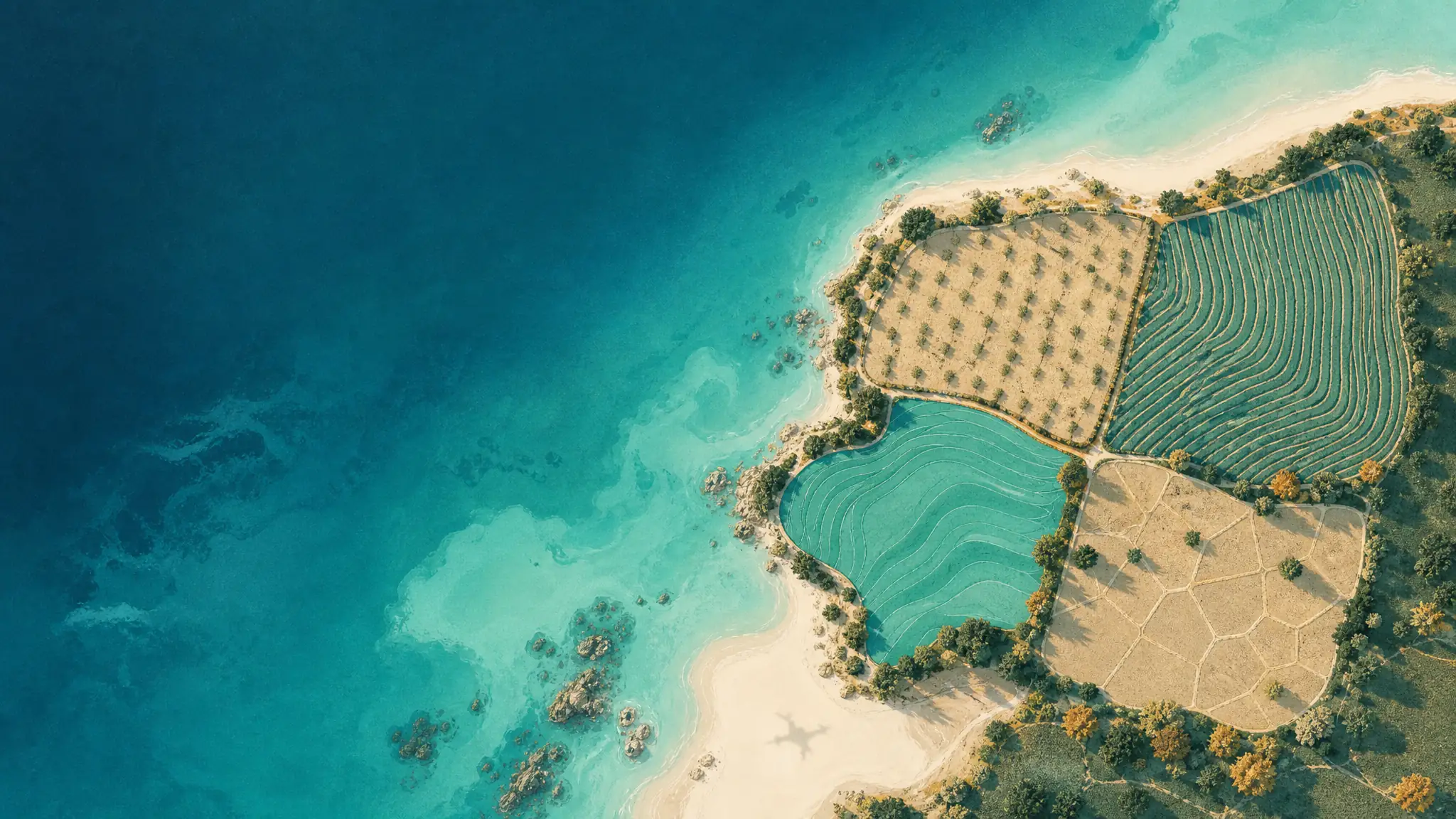
- EstateAn enclosed place cut into zones, with no imposed order: you pick the zone you care about. The site plan carries the navigation, and if the tour has its own illustrated map, that map is the one used. Campsites, resorts, event venues, wineries, leisure parks, marinas.
- TerritorySites scattered about, sometimes kilometres apart. Here the map is not a helper, it is the main screen: each site is a clickable point, placed automatically from the GPS of the shots. Municipalities, destinations, mountain resorts.
- DevelopmentA new-build development presented unit by unit: the selector sorts by floor, the card carries floor area, price and availability. The buyer sees the view from their future flat before the building exists.
- TimelineThe axis is no longer space but time: fixed viewpoints recaptured on every visit. A timeline scrolls through the dates, the phases of the works sit on it as markers, and progress compares month against month.
In the editor
The trade shows up on the editing side too
Choosing a trade lays down the structure in one go: answer a question, and the groups are created, named and waiting for the panoramas.
The questionnaire fits in two or three screens, and it speaks the language of the place. For a golf course: how many holes, which views per hole, which views off the course. For a campsite: which zones make up the estate, with a checklist and free additions. The names it produces are written in the tour’s language, not the editor’s.
One point that matters if you build a lot of tours: the questionnaire creates the groups, never the views. It prepares a queue of names that lands on the panoramas as they upload, which spares you the renaming chore. A tour takes up to two hundred groups, well above any real case, and a group that is still empty is simply ignored by the player.
The card fields follow the trade: par, distance and stroke index on a golf course, capacity and booking link on an estate, altitude in the mountains, draught at a marina. None of them is required. The structure lives perfectly well without its card, and a half-filled card breaks nothing.
- The names wait for the filesThe queue of names applies to the panoramas during upload, in the order planned.
- Changing your mind costs nothingSwitching trade keeps groups, order and cards; anything the new shape cannot read is ignored, never deleted.
Comparison
Three ways to present a place that spreads out
An industry template is not the only route, and it does not suit everywhere. Here is what separates it from the two substitutes you actually meet.
Our format
360 tour with a templateholes, zones, sites
- Choosing a spot
- A selector that speaks the trade: hole 5, pool zone, pontoon C. Reachable from any view.
- What the place says about itself
- A card per group: par and distance, capacity, draught, altitude, booking link.
- On site, at the sign
- One QR code per group: the scan opens the right hole or the right zone, not the tour’s front door.
- What you measure
- Views per group on top of views per panorama: which hole, which zone holds attention.
- What it takes to build
- One question at creation. Groups and view names come pre-filled.
Other format
360 tour without onethe usual way of publishing
- Choosing a spot
- A thumbnail strip in upload order, or dots placed one by one on a map.
- What the place says about itself
- Tooltips to write one at a time, with no field designed for the trade.
- On site, at the sign
- One QR code for the whole tour. The visitor starts at the beginning and goes hunting.
- What you measure
- Views per panorama, to be glued back together by hand to reason by zone.
- What it takes to build
- Everything is built by hand, and rebuilt on every new tour.
Other format
Photo gallery or PDF mapwhat the website already has
- Choosing a spot
- A scroll. A photo says neither where it was taken nor what is next to it.
- What the place says about itself
- A caption, when there is one.
- On site, at the sign
- A QR code to the website’s photo page.
- What you measure
- The website’s page views, with no detail.
- What it takes to build
- Very little, and that is its strength: photos, a page, nobody to train.
The table does not claim a template is right everywhere. Below five or six viewpoints, a tour with no structure is quicker to build and reads perfectly well; a photo gallery is still unbeatable for ease of editing. A template earns its place when the site has named parts that visitors look for by name.
The trades covered
Twelve industries, twelve vocabularies
Each landing page shows what the template changes for that trade, and what the aerial view brings to it in particular.
- CourseGolfThe group is a Hole: hole selector, par and distance on the card, guided mode from tee to green.Explore
- EstateCampsitesThe group is a Zone: the site map becomes the navigation, with capacities and a booking link.Explore
- EstateResortsThe group is an Area: rooms, pool, beach and dining all read from the resort’s own map.Explore
- EstateEvent venuesThe group is an Area, and its card carries capacity per layout: theatre, standing, seated dinner.Explore
- EstateWineriesThe group is a Zone: parcels and grape variety, the cellar, the tasting room, and the link to the vintage.Explore
- EstateLeisure parksThe group is a Zone: entrance, rides, animal enclosures, shows - the visit gets planned before the ticket.Explore
- EstateMarinasThe group is a Pontoon: berths, maximum length and draught on the card, the stopover chosen in 360.Explore
- TerritoryMunicipalitiesThe group is a Site, and the map does the navigating: each site is placed from the GPS of its first shot.Explore
- TerritoryDestinationsThe group is a Site: points of interest linked on one map, the itinerary planned in 360.Explore
- TerritoryMountain resortsThe group is a Point, with its altitude: the resort out of season shows as well as it does in winter.Explore
Questions
What people ask before choosing
Do I have to pick a trade to publish a tour?
No. The template is optional, at creation and in the settings alike. Without one, the tour keeps its thumbnail strip and its satellite mini-map, exactly as before. Applying one removes no capability, and removing it destroys neither the groups nor their cards.
Can you change trade afterwards?
Yes. The groups, their order and the views assigned to them are all kept. Fields that do not exist in the new shape are ignored on display, never deleted: switch back and they reappear as they were.
What happens to views that belong to no group?
They stay in the tour, filed separately. The clubhouse, the driving range, the wide shot of an estate belong to no hole and no zone: the player gives them their own section, called “Off the course” on a golf tour and “Other views” elsewhere. That is not an error state, it is by design.
Can indoor views go into a template?
Yes. The player displays any equirectangular panorama, wherever it comes from: a function room, a barrel cellar, a clubhouse import and file into a group like the aerial views. Aerial is our speciality and our difference, not a border.
Does a heavily scanned QR code cost more?
No. Views and bandwidth are unlimited on every plan, and a tour does not expire. The reason is as technical as it is commercial: egress from our object storage is not billed to us, so charging per view would mean charging for something that costs nothing. A sign scanned a thousand times over a season costs the same as a sign nobody looks at.
Are there tools specialised by trade?
Yes, and some are good at their niche. golf-360.com and 360caddie.com produce hole-by-hole course tours; yourmaps offers a 3D campsite map with on-site GPS, which we do not do (checked August 2026). The difference is scope: those are single-trade tools. Here, twelve trades share the same player, the same editor and the same hosting.
Which plan are templates on?
Industry templates are included from the Pilot plan up, served as they are: navigation by hole, by zone or by site shows with no watermark and no trial notice.
The trade is one question away
Create an account, pick the trade when you create the tour, upload your panoramas: the structure is already there. Unlimited views and bandwidth, no expiry, on every plan.